

Why Editing Is Everything!
Editing is crucial to photography, and it's something a lot of photographers overlook. I think it's nearly as important as taking the photo itself, maybe that is controversial, I don't know. It's not a fixed percentage of the equation, it changes from shoot to shoot, sometimes thirty percent, sometimes seventy. It all depends on the vibe, the feel, and what you're going for.
I've seen photographers obsess over gear, disagree about cameras, and debate focal lengths for hours, yet give almost no thought to their editing process. And I get it. There's something romantic about the capture. The moment. The light. But the edit? That's where a photograph becomes what it was always meant to be.
It Starts With Exposure
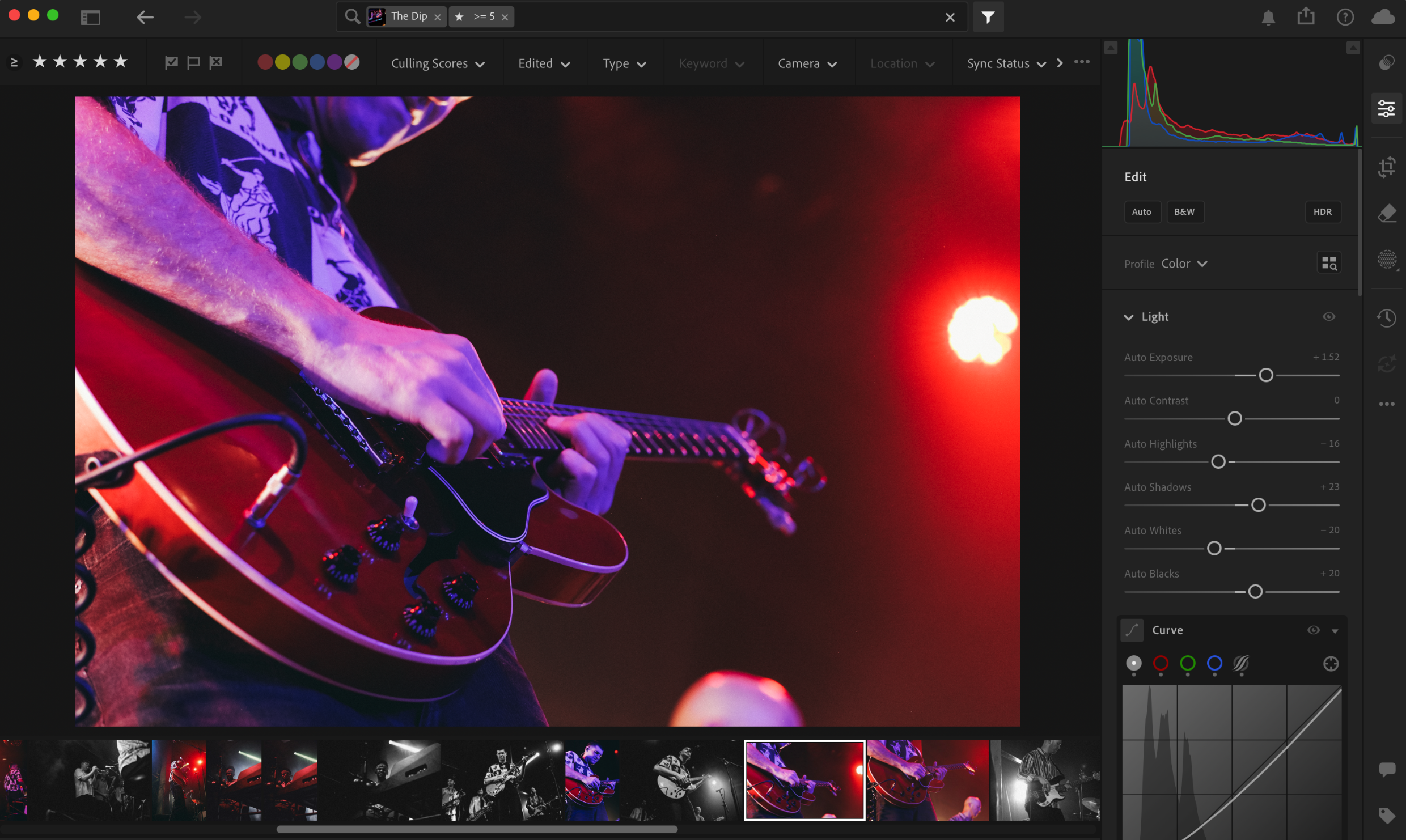
My editing process starts with exposure, making sure the image looks right for that specific shot, not just technically correct. Sometimes a perfect exposure isn't perfect for the image. You might deliberately underexpose to create mood, especially in live music photography where the subject is brightly lit but the world around them is dark. That contrast, that isolation, it's a choice. Or you might overexpose slightly for a light and airy portrait feel. The point is, exposure is a creative tool, not just a technical one.
From there, you develop your own style and taste. You look for what works for you, maybe extra grain, maybe a crop adjustment. The basics like straightening and overall exposure are your foundation. But the feel? That's yours.
My Editing Workflow
Over time I've settled into a process that uses multiple passes, and it's become pretty fail-safe for me. It also gives you the space to change your mind, because sometimes an image you selected first time around isn't the one when you come back to it.
Pass 1, Cull. Go through everything and pick your selects. You're looking for sharpness, storytelling, something that catches your eye.
Pass 2, First Edit. Minor tweaks, straightening, exposure, basic corrections. Get the image to a solid starting point.
Pass 3, Presets as a Foundation. Apply a preset if it suits the image, something that helps you get started, not finish. Then tweak. Adjust. Refine. The preset is the launchpad, not the destination.
Pass 4, Final Sweep. Go back through everything. Check exposure across the set, make sure everything is consistent and correct.
One thing I can't stress enough, take breaks between passes. Come back with fresh eyes. You'll catch things you missed, and you'll see the images differently. Editing under pressure or fatigue is where mistakes creep in.
On Presets, Use Them Properly
Presets have a bad reputation in some circles, and I get why. You can always tell when someone has just slapped one on and called it done. The same look across every image, regardless of lighting, mood, or subject. That's not editing, that's a filter.
But presets, used properly, are genuinely useful. If you've built your own over years of shooting, they're an expression of your style. Apply one to get the image started, see if it fits, and then work from there. Sometimes it suits the image perfectly with minor adjustments. Sometimes it doesn't work at all and you start fresh. The preset is a suggestion, not a solution.
Editing Is Adapting
How you edit also changes depending on what you're shooting and who it's for. A wedding edit might have real creative flair, your style, your presets, your eye. But an interior shoot for a commercial client? That might just need to be clean, well exposed, and sharp. Nothing fancy. And that's fine. Knowing when to pull back is as important as knowing when to push the creative envelope.
The edit should always serve the image and the purpose. Your personal taste matters, but so does the brief.
Beyond the Sliders
Editing can go well beyond adjusting contrast and exposure. Techniques like photo blending, layering two images together in Photoshop to create something new, are a completely different discipline. I've done a few of these for music photography, a close signal shot blended into a wider crowd shot, both images working together to tell a story neither could alone. That's editing as creation, not correction.
Which brings up the distinction between Lightroom style editing and working in Photoshop, but that's a story for another time. We'll get into that properly in a future post.
Want to Learn More?
If you are interested in editing, I run regular Lightroom and Photoshop courses throughout the year. You can find out more and book your place here: https://www.pixelaffiliate.com/photography-courses-milton-keynes