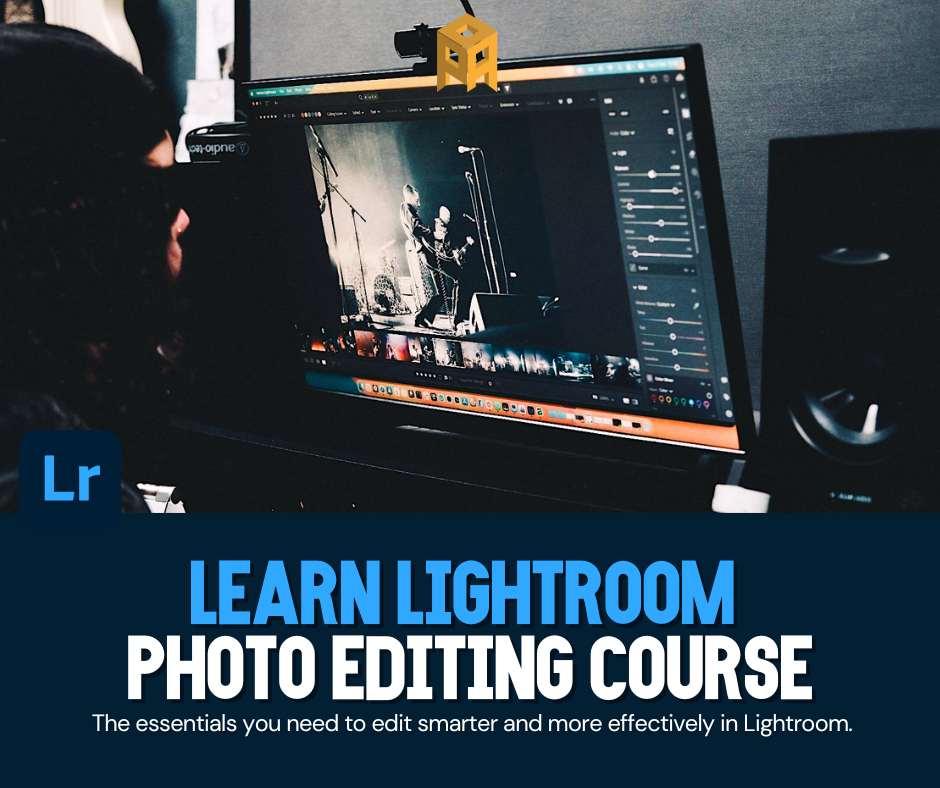
Ideal for beginners or photographers who want a faster, more organised way to edit and manage their photos.
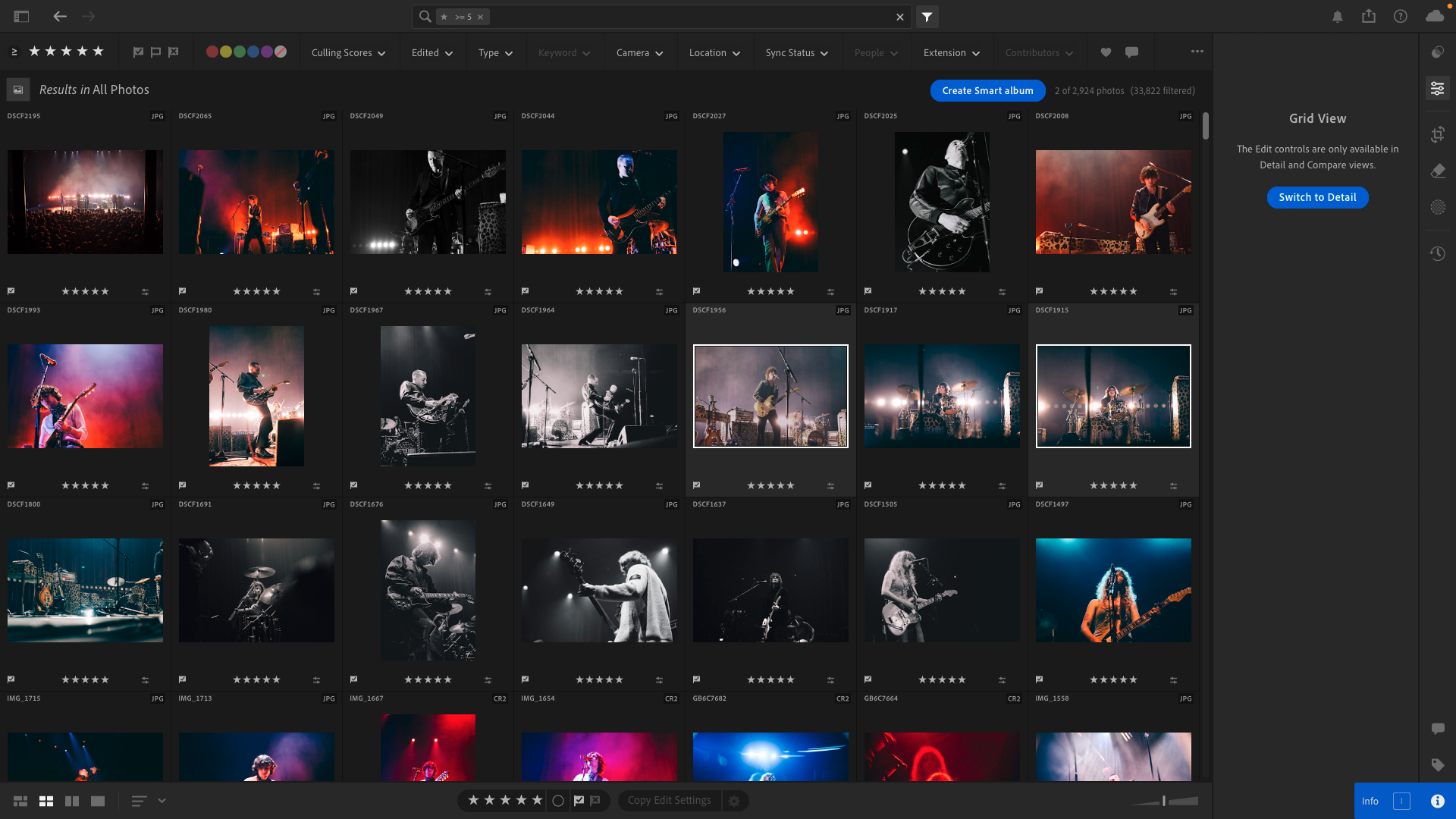
This hands-on course is designed to help you understand how Lightroom actually works — from importing and organising images to creating clean, consistent edits you can apply across an entire shoot.
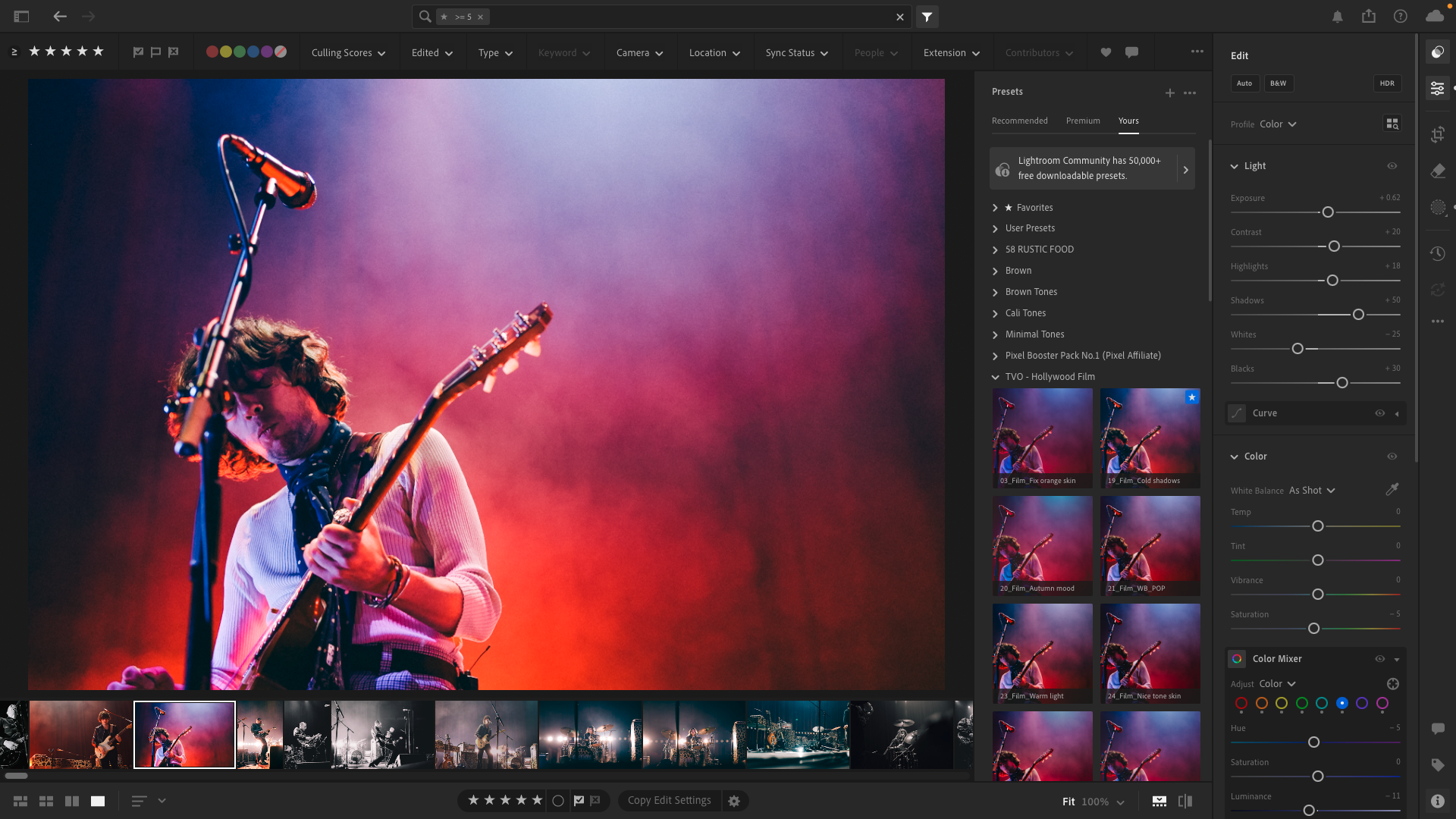
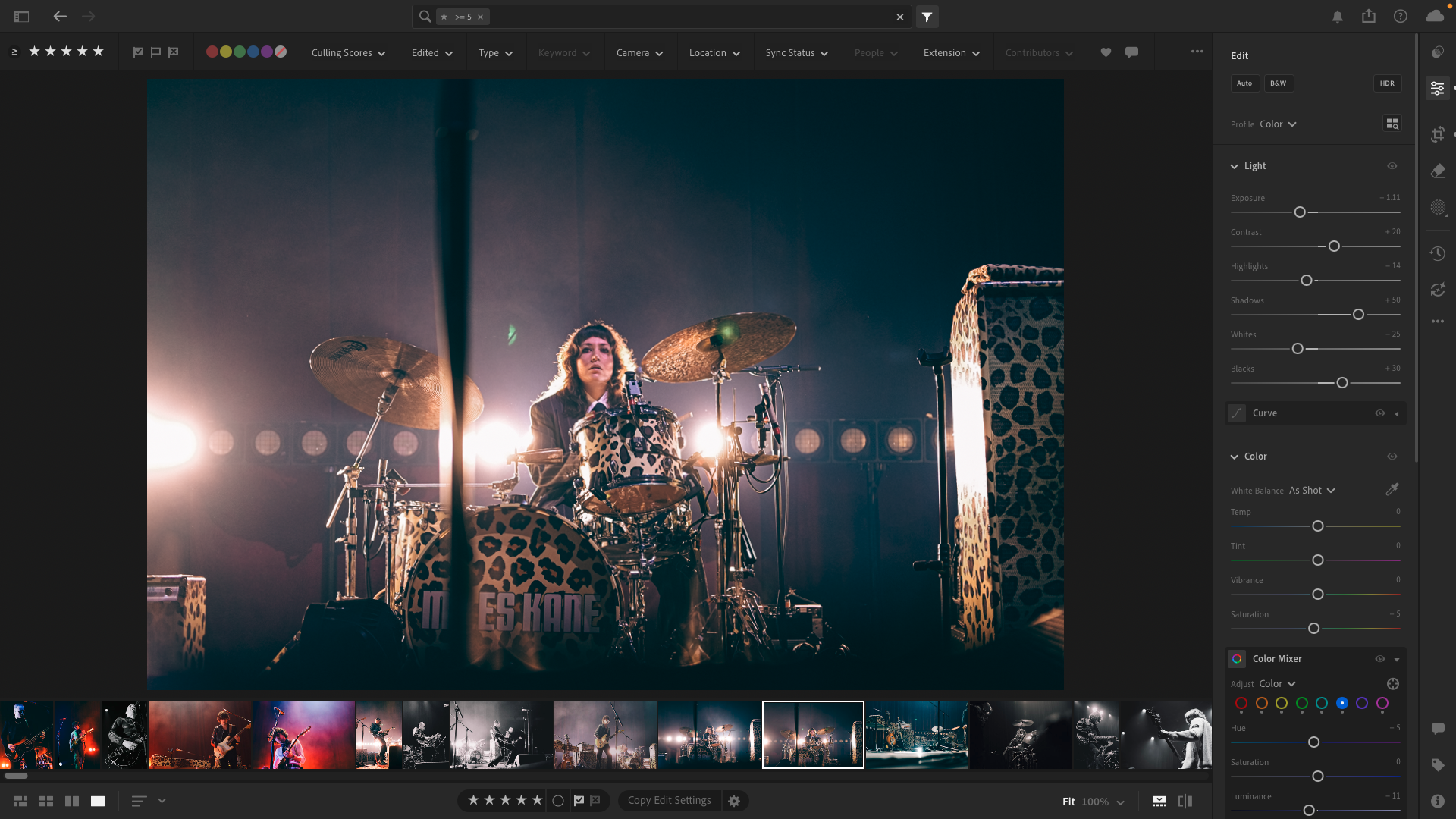
Colour control: white balance, HSL & colour grading basics
Using presets effectively (when to use them and when not to)
Local adjustments: brushes, gradients, and masking
Cropping and straightening for stronger images
Sharpening and noise reduction basics
Exporting images correctly for web, social media, and print
Live & hands-on
All techniques are demonstrated live throughout the session. Feel free to bring your own laptop if you’d like to follow along, or simply watch, make notes, and learn the workflow in real time.
You’ll work through real photo examples with guided walkthroughs, plus time for questions and troubleshooting as we go.
Perfect if you want:
A faster, more organised editing workflow
Consistent results across a full shoot
To understand why edits work, not just move sliders
Clean, professional-looking edits without overdoing it
A strong foundation before moving on to advanced Lightroom techniques
No prior editing experience needed — just bring your laptop with Lightroom installed if you’d like to follow along.
Location
National Sound Studio 8C Bassett Court Newport Pagnell MK16 0JN
Time
12:00 – 15:00
Lightroom for Beginners POSTPONED TBA
Ideal for beginners or photographers who want a faster, more organised way to edit and manage their photos.
This hands-on course is designed to help you understand how Lightroom actually works — from importing and organising images to creating clean, consistent edits you can apply across an entire shoot.
Colour control: white balance, HSL & colour grading basics
Using presets effectively (when to use them and when not to)
Local adjustments: brushes, gradients, and masking
Cropping and straightening for stronger images
Sharpening and noise reduction basics
Exporting images correctly for web, social media, and print
Live & hands-on
All techniques are demonstrated live throughout the session. Feel free to bring your own laptop if you’d like to follow along, or simply watch, make notes, and learn the workflow in real time.
You’ll work through real photo examples with guided walkthroughs, plus time for questions and troubleshooting as we go.
Perfect if you want:
A faster, more organised editing workflow
Consistent results across a full shoot
To understand why edits work, not just move sliders
Clean, professional-looking edits without overdoing it
A strong foundation before moving on to advanced Lightroom techniques
No prior editing experience needed — just bring your laptop with Lightroom installed if you’d like to follow along.
Location
National Sound Studio 8C Bassett Court Newport Pagnell MK16 0JN