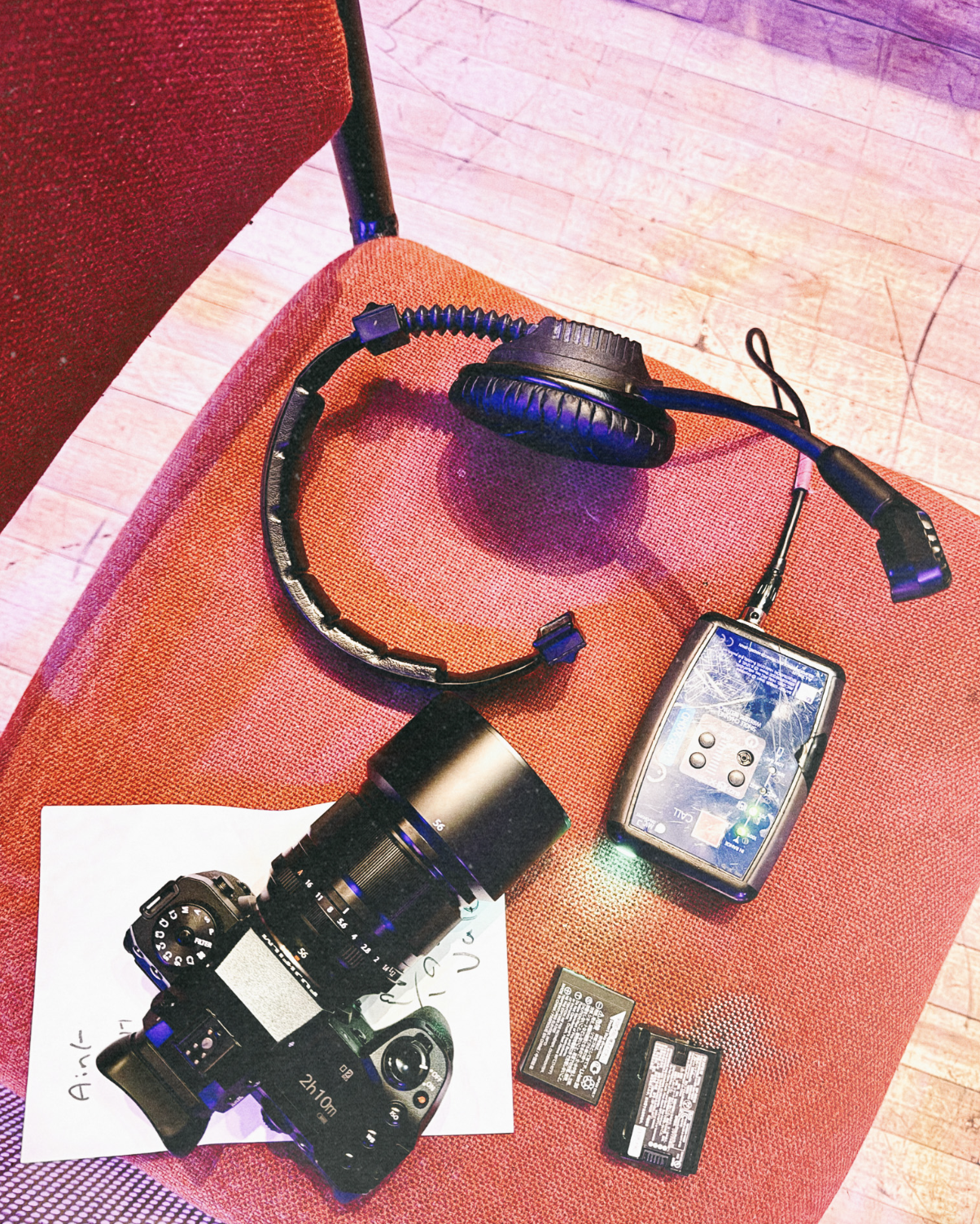
A few years ago, video wasn't really part of my work. But things changed. Clients started asking for it. Social media demanded it. And suddenly, shooting video became essential to what I do week to week. When I decided to switch from Canon to Fuji, one thing was non-negotiable, my main body had to be capable of video work.
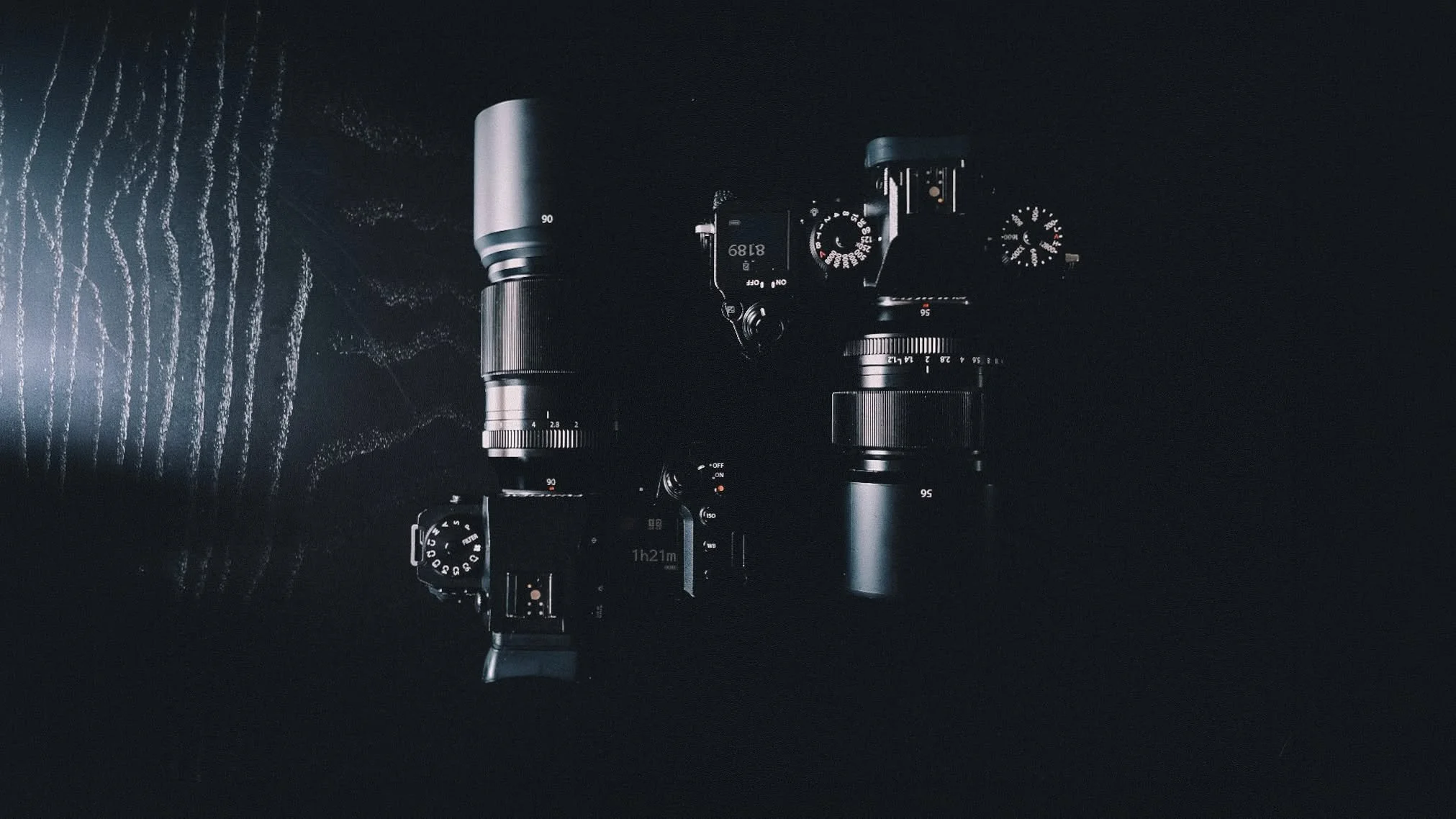
That's why the XH2 made sense. It's got built-in image stabilisation, which is essential. The colour science is brilliant, like all Fuji bodies. And the video specs are genuinely impressive for a hybrid camera. The XH1 isn't quite at the same level, but it's a very capable second camera. You can rely on it without skipping a beat.
What The XH2 Can Actually Do
The XH2 can shoot 4K up to 60 frames per second, or 30 frames per second, which is what I use most of the time. You've also got DCI 4K and 6.2K resolution options if you need them. It's capable. Really capable. There are dedicated video cameras out there, the Sony FX3, the Canon R6 Mark III, that might squeeze out more performance, but if you're sticking with the Fuji ecosystem, the XH2 is genuinely excellent. The XH1 is slightly less capable but still very good for a second body.
The Workflow, Setting Up
Before I hit record, I make sure my settings are correct. I set boundaries, making sure ISO doesn't creep too high, setting the correct shutter speed. But then I let the camera do a lot of the metering itself. Depends on the situation, really. If it's quick run and gun stuff where you're mixing photos and video on the go, I'm confident enough with what I'm using and how it works to just adjust as I go.
The One Annoying Thing
The biggest pain point is switching between photo and video mode. The XH2 actually does have a dedicated button that lets you jump into video while you're in photo mode, but from my experience there are a few limitations, you lose access to some settings. It's fine for grabbing something quick in a pinch, but if you want the full experience with all your settings available, you're better off switching over properly into the dedicated video mode. On the XH1 especially, there's no shortcut like that, you physically have to flip into video mode, which is more of a hassle if you're trying to do both at the same time.
Resolution And Frame Rates, It Depends
I'll always try to shoot in 4K where I can, but honestly, it depends on what the content is. If it's going on Instagram or Facebook, upscaling from a lower resolution is generally fine. If I'm doing something detailed that's going on a big screen, then obviously that's non-negotiable, shoot as high as possible.
Frame rates are similar. I normally shoot around 30 frames per second for most of my video, in 4K. Occasionally I'll shoot 60 if I know I'm going to slow it down afterward. I typically don't go above that into super slow motion, because most hybrid cameras in this price range don't shoot super slow motion at a high enough resolution to be worth it. It's only if I absolutely need to that I'll push further, but for the vast majority of what I do, that range covers me fine.
My absolute minimum is 2.7K. In this day and age, there's no excuse to shoot lower than that.

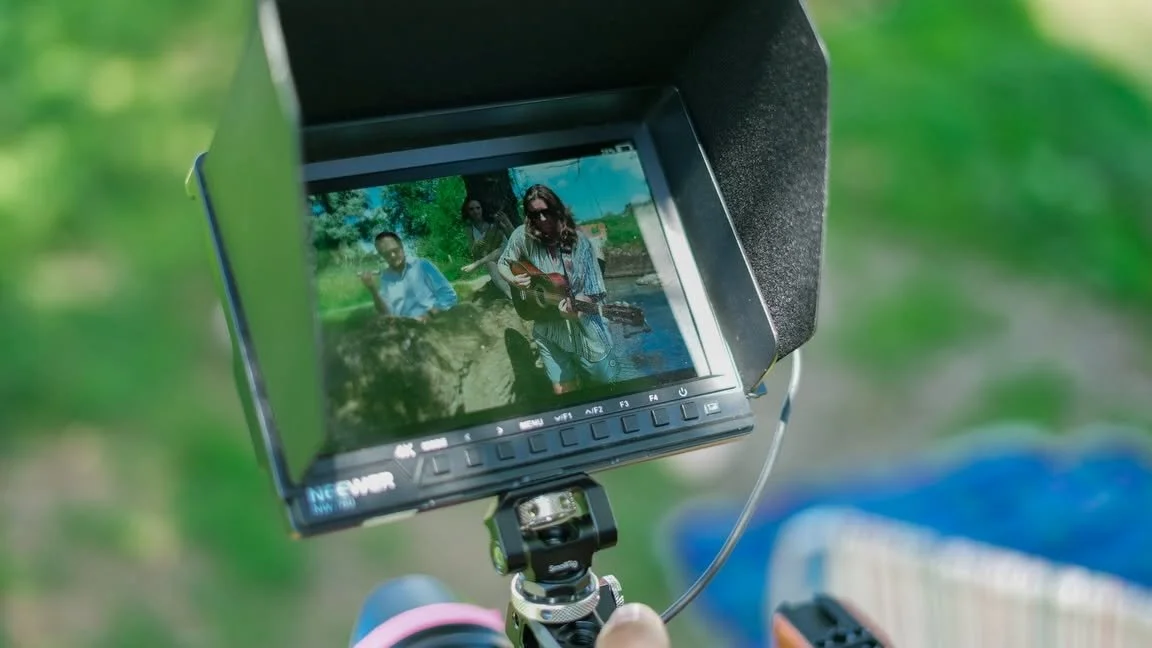
On set shooting a music video with the X-H2 and X-H1.
Post Production, Different Tools For Different Jobs
If I'm editing on the fly for quick social content, I use a mix of mobile apps, LumaFusion, InShot, Libet, and occasionally iMovie. There are others too. But if I'm doing a bigger production that needs more detail and control, I use Final Cut Pro on my Mac. I've never really got on with Adobe Premiere, even though I use Adobe products for photos. For video, I'm all in on Apple.
Autofocus
Coming from a photography background, I was genuinely surprised by how good the autofocus is for continuous video. It's not quite best in class, other brands are probably doing it slightly better on the video front, but it's still good and very manageable. For me, it's less about having the absolute best gear and more about knowing your camera, knowing how to use it properly, and getting the most out of what you've got.
Fuji actually has higher end cinema cameras too, like the GFX Eterna 55, which is a large format cinema camera. The technology is there, and I think a lot of that tech is slowly trickling down into the hybrid systems I use.
If You're A Photographer Thinking About Video
If you're a photographer looking to get into video, definitely give it a go. It's probably going to become a big part of what you need to do moving forward. It's not essential, but it's a genuinely good skill to have. A lot of modern cameras can shoot video really well these days, and honestly, it only makes you better as a photographer anyway, so you might as well give it a shot.
It's not something I thought I'd be doing as much as I do now, but I'm genuinely happy with the gear I'm using, even though it's not a dedicated video camera. It's still got the specs to battle with the big boys. At the end of the day, find the brand and cameras you actually love using, and just go for it. If your camera can do it, use it, get better with your gear, and enjoy the process. It'll probably bring you more work, and it's a great thing to add to your skill set.